Multi-zone scheduling without losing your mind.
Stores don’t have one screen; they have rails of them. We rebuilt GoVista’s scheduling engine around zones first, schedules second, and let an agent reconcile the two.
GoVista team
Digital signage CMS
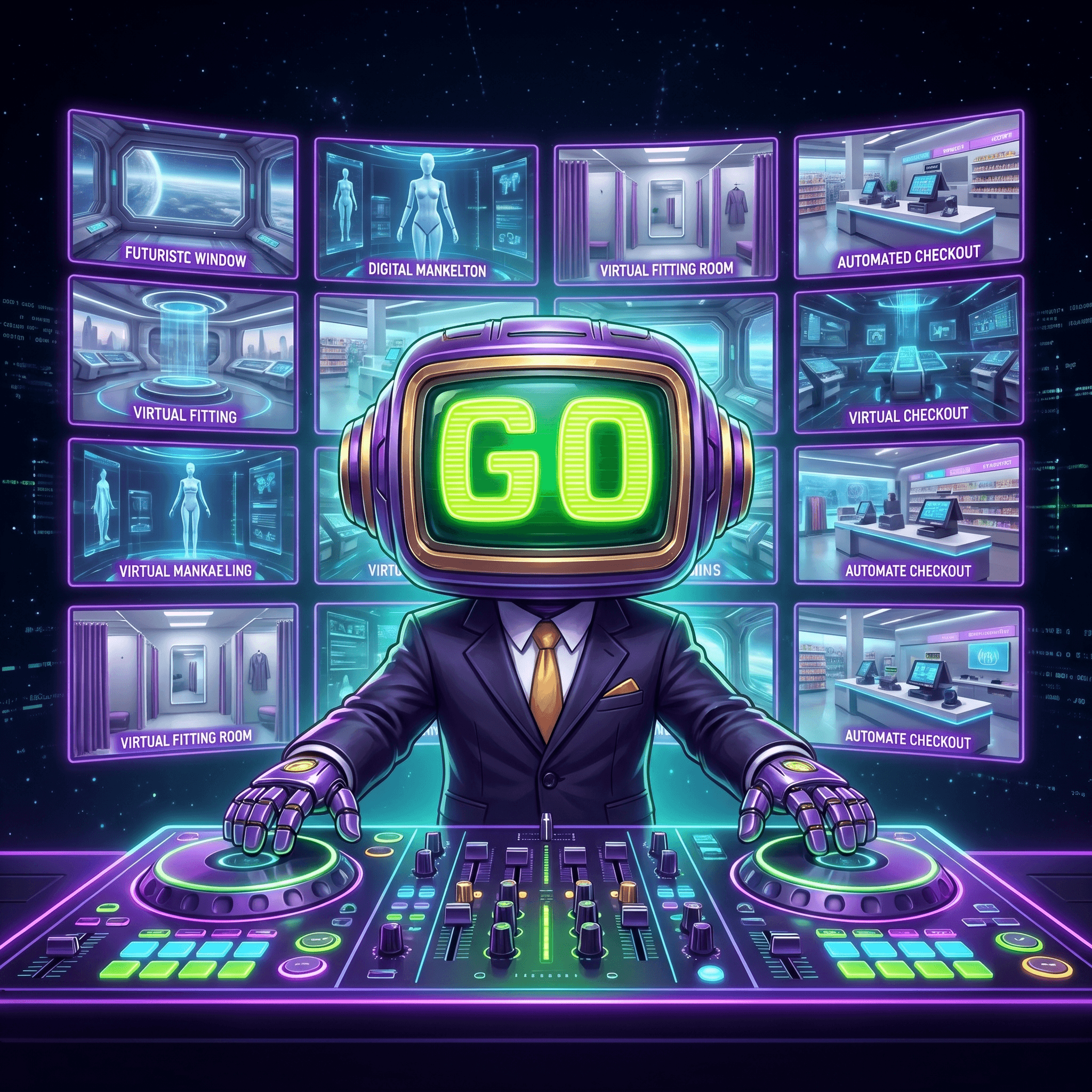
Most digital-signage CMSes treat ‘screen’ as the unit of work. You build a playlist, you assign it to a screen. That model breaks the moment a store has more than one screen, and stores always have more than one screen. GoVista models zones first; screens are a child of zones; schedules attach to zones, not screens.
What a zone is
A zone is a named region of a store with a content policy: window, mannequin, fitting room, checkout, rail. Zones are the unit retailers actually think in: ‘play promo content in windows, lookbook on mannequins, queue-busting deals at checkout.’ Players (Android, Tizen, webOS, Windows, Linux, web browser and LED) are assigned to zones; the player picks up the zone’s active schedule.
Why zones beat screen-by-screen
- You can swap a player without re-planning content. The zone’s schedule keeps running.
- You can promote a 4-screen rail to a 6-screen rail by just adding two players to the same zone.
- You can write a campaign once, target three zones, and trust each zone to honour its own content policy.
The reconciler agent
Schedules across zones can conflict: a global campaign might collide with a store-local promo, or a stock-out might mean we shouldn’t run an out-of-stock SKU on a window screen. Reconciliation is an agent: it reads zone schedules, store stock, and campaign priorities, then writes the resolved schedule per zone. The CMS UI shows what the reconciler did, so ops can see exactly which campaign won and why.
// Reconciler is a tool the orchestrator calls per store.
const resolved = await reconciler.run({
  zones: store.zones,
  campaigns: campaigns.activeFor(store),
  stock: store.stock(),
  priorities: store.policies(),
});
await store.publish(resolved);
Multi-tenant, multi-store
Holdings run multiple banners across multiple stores. Each store has its own zones; each banner has its own campaign library. The reconciler runs per store, never per banner. That’s the only way a store-local promo can win against a global campaign without surgery.
Where the players run
A zone does not care what hardware its screens run on, which matters because stores rarely buy new screens for new software. GoVista has players for six platforms: Android (Android TVs and displays, even an Android TV stick), Samsung Tizen, LG webOS, Windows, Linux and any modern web browser, where nothing needs installing. For LED walls, the Android player runs on Novastar LED controllers, and GoVista manages those controllers from the same panel. One zone can mix them: a webOS screen in the window and an LED wall above the checkout follow the same schedule.
Pairing a screen to a zone
Adding a screen takes minutes: install the player, read the pairing code it shows, and enter that code in the dashboard. From then on the screen belongs to a zone and plays whatever that zone’s schedule says. Replacing a broken player is the same three steps, and the content plan does not change.
When the connection drops
Players keep their content on the device. A screen that loses its internet connection keeps playing what it has already downloaded instead of going dark, and when the connection returns it pulls the latest updates. The team gets an alert in the dashboard or on WhatsApp when a device goes offline, and a remote restart is one command.
Who may change a zone
Running a zone from a phone
Store teams are rarely at a desk. GoVista can be run from a WhatsApp chat: get an alert when a device goes offline, restart it, upload content and assign it to screens, and create or edit schedules with simple chat commands. The content itself can come from AI Studio: type a sentence and it makes an image sized for the screen it is meant for, ready to publish to a zone.
Zones also make permissions easier to reason about. GoVista has six roles (Admin, Editor, IT Manager, Regional Manager, Store Manager and Viewer): a designer can upload content, a store manager sees only the screens in their own store, and content approval workflows keep anything unapproved from going live.
“Stores don’t have screens. They have zones with screens in them. Model the zone, and the screens take care of themselves.”